
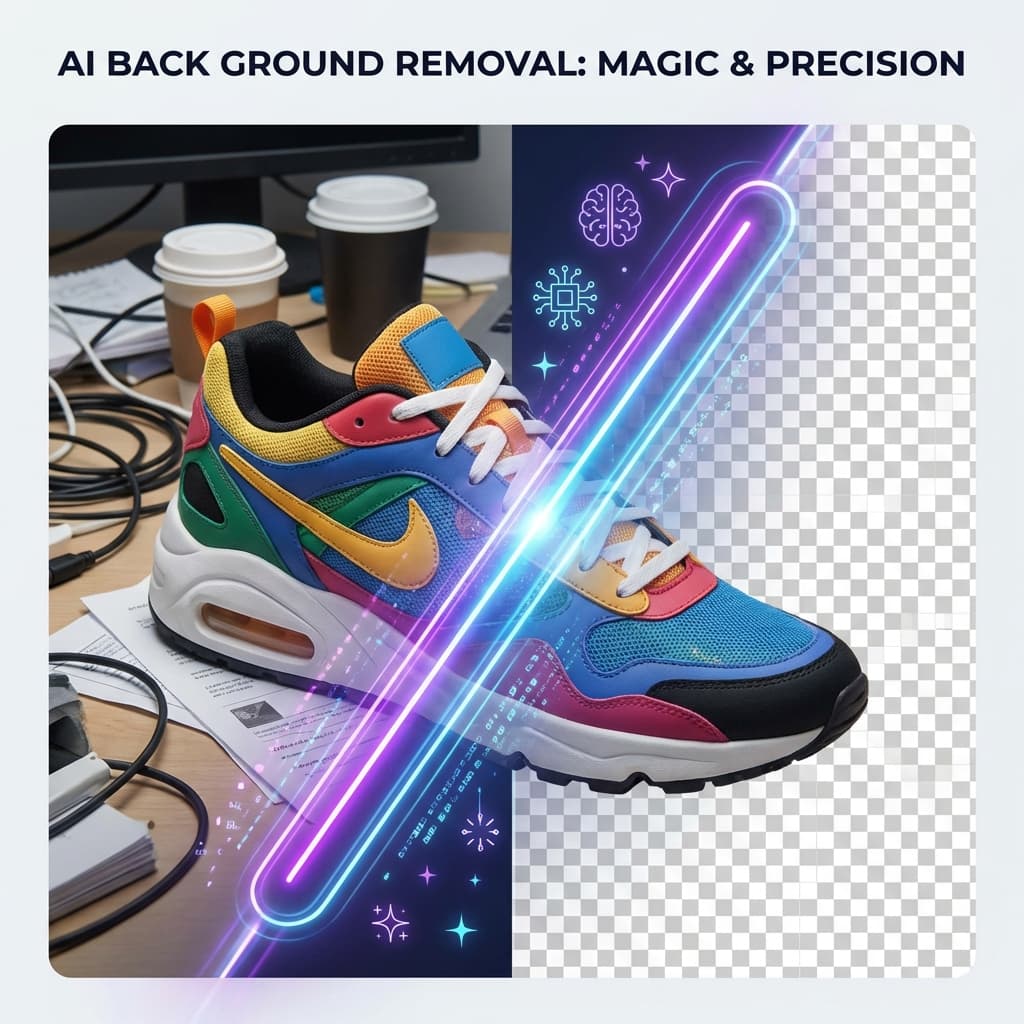
The Old Way of Removing Backgrounds Is Dead.
Not long ago, removing the background from an image was frustrating and time-consuming. You had to install heavy design software, learn complex tools like manual selection or pen tool, spend 20–40 minutes editing a single image, and fix edges manually (especially hair and shadows). For professionals, this was normal. For everyone else? It was a nightmare.
But in 2026, everything changed. AI-powered background removal tools can now remove image backgrounds in 2–5 seconds, directly in your browser — no software, no login, and no design skills required.
What Is AI Background Removal?
AI background removal uses machine learning and computer vision to automatically separate the foreground (person, product, object) from the background (room, sky, wall, clutter).
Modern AI models are trained on millions of images, which helps them detect hair strands, transparent objects, complex edges, shadows, and similar color backgrounds. The result is a clean cutout with a transparent background — ready for websites, documents, or marketing.
Why AI Background Removal Tools Are Exploding in Popularity
1. Instant Results
Traditional editing takes 20–40 minutes. AI background removal takes 3–5 seconds. For most users, speed matters more than perfection.
2. No Design Skills Required
You don’t need to know Photoshop, layer masking, selection tools, or edge refinement. Just Upload → Download.
3. No Software Installation
Everything runs inside your browser. This means you can remove backgrounds on your laptop, phone, tablet, office computer, or cyber café systems.
4. Free Tools Are Now Good Enough
In the past, only expensive software gave good results. Now free AI tools provide high-quality cutouts, transparent PNG downloads, clean edge detection, and fast processing.
Who Uses AI Background Removal Tools?
- 🛒 E-Commerce Sellers: Remove messy backgrounds from product photos to create Amazon, Flipkart, or Shopify listings. White background product images increase conversion rates.
- 👩💻 Freelancers & Designers: Use quick background removal for social media graphics, client mockups, thumbnails, and presentation visuals.
- 🎓 Students: Students often need clean profile photos, project graphics, resume photos, and assignment visuals.
- 📱 Social Media Creators: Creators use background removal for YouTube thumbnails, Instagram posts, reels overlays, and marketing banners.
Most Common Uses of Background Removal in 2026
- Product Photography: White or branded background product images sell better online.
- Professional Profile Photos: Turn normal photos into LinkedIn-style professional headshots.
- Marketing & Advertising: Create posters, banners, and ads quickly.
- Logo Cleanup: Remove white boxes behind logos.
How AI Background Removal Works (Simple Explanation)
Behind the scenes, AI tools use Neural Networks trained on millions of labeled images. Segmentation Models divide image pixels into subject and background. Edge Detection Algorithms refine hair, fur, fabric edges, and transparent areas. The output is called an alpha mask, which creates transparency.
Step-by-Step: How to Remove Background from Image Online
- Step 1 — Upload Image: Upload your JPG, PNG, or WebP file to our Remove Background Tool.
- Step 2 — AI Processing: The AI analyzes object shape, color contrast, depth separation, and edge details. Processing usually takes 3–5 seconds.
- Step 3 — Preview Result: See the cutout before downloading.
- Step 4 — Download Transparent PNG: Download the PNG file to keep the background transparent.
Tips to Get Perfect Background Removal Results
- 📸 Use High Resolution Images: Higher detail = better edge detection.
- 💡 Use Good Lighting: Dark or noisy images reduce accuracy.
- 🎯 Center Your Subject: Helps AI identify main object faster.
- 🎨 Avoid Busy Backgrounds If Possible: Though AI can handle it, simpler is always better.
AI Background Removal vs Photoshop — Do You Still Need Photoshop?
Use AI Tools When You Need:
- Fast results
- Simple cutouts
- Product photos
- Social media graphics
- Resume or profile photos
Use Photoshop When You Need:
- Ultra detailed editing
- Complex composites
- Professional photo manipulation
- Studio-level commercial work
For most people, AI tools are now enough.
The Future of AI Image Editing
By 2030, AI tools will likely replace manual background editing completely, auto-enhance lighting and color, generate replacement backgrounds automatically, and create studio-quality product photos from phone images. AI is making professional editing accessible to everyone.
Ready to Remove Background from Your Image?
If you want to remove image background instantly, download transparent PNG, avoid login and signup, use AI-powered processing, and get fast, clean results — try a free AI background remover and see the difference yourself.
Try It Now for Free
No signup. No watermark. No waiting. Just upload → process → download.
Remove Background NowExplore more image tools at EpicMartWorld Tools